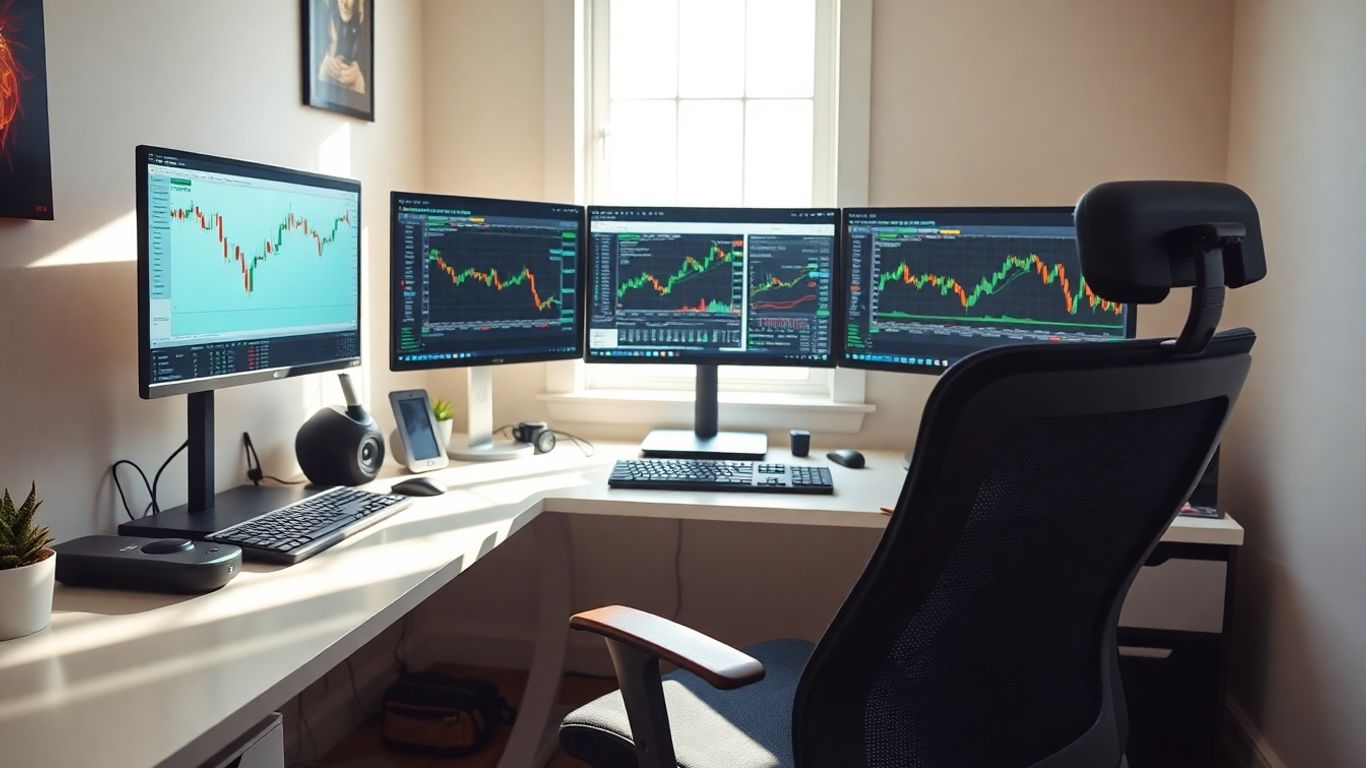
Setting up your own trading space at home is more than just getting a computer. It's about building a command center that helps you focus and perform your best. Think of it as your personal mission control. When everything is set up right, from your chair to your internet speed, it really makes a difference in how you trade. We'll look at the gear you need and how to arrange your space so it works for you, not against you. Getting your trading setup at home dialed in is a big step.
Key Takeaways
- A solid trading setup at home starts with reliable hardware. This means a fast computer and multiple monitors so you can see everything you need without switching screens constantly.
- Your internet connection is super important. Make sure it's fast and stable, and have a backup plan just in case it goes out.
- Don't skimp on furniture. An ergonomic chair and a desk that fits you well will save you from pain and keep you focused during long trading days.
- Think about your workspace environment. Good lighting, a comfortable temperature, and keeping distractions to a minimum will help you concentrate better.
- Protect your gear with power backups like a UPS and surge protectors. Keeping your setup maintained also helps avoid problems.
Building Your Trading Command Center
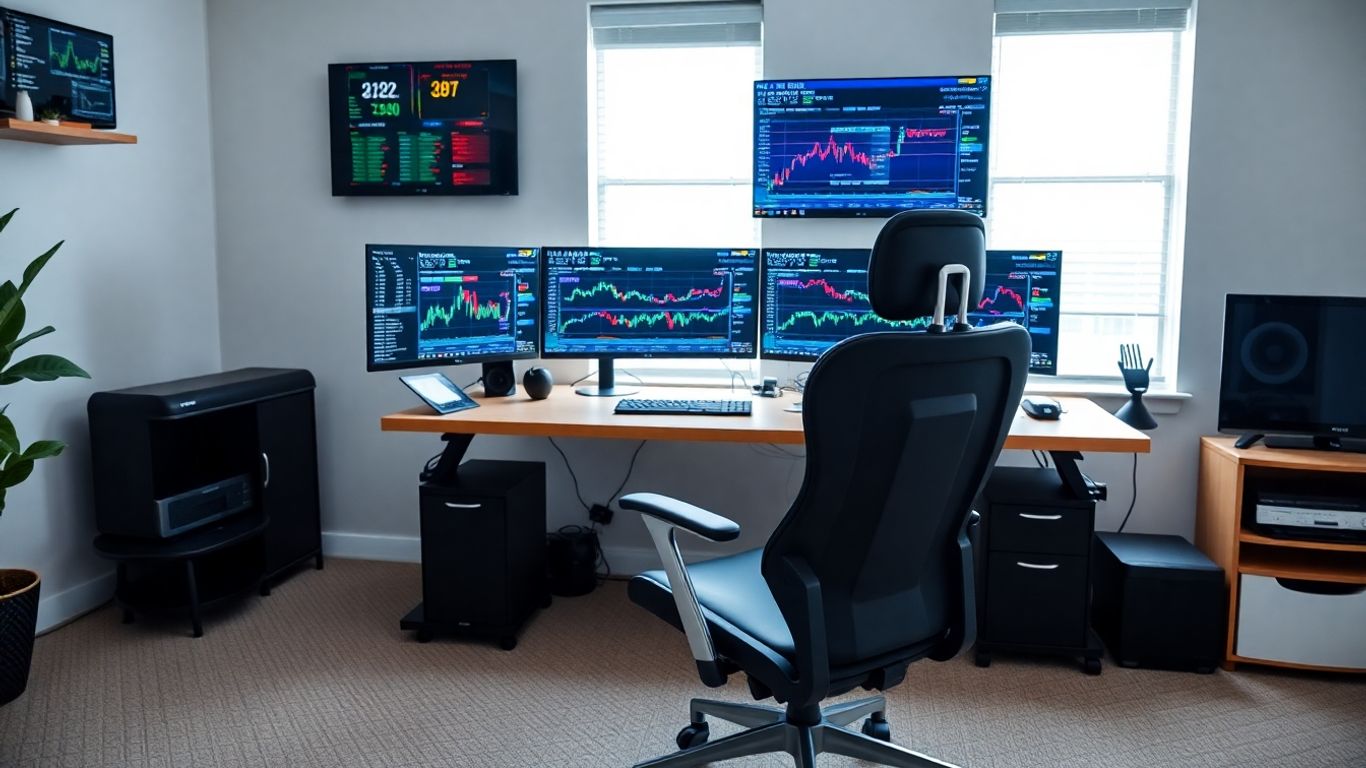
Think of your trading setup as your personal mission control. It's not just about having a computer and internet; it's about creating an environment where you can perform at your best. Every piece of gear, from your keyboard to your internet speed, needs to work together smoothly. If your tech is fighting you, it's a distraction, and distractions are the enemy of good trading decisions. The goal is to make your technology feel like an extension of your own thoughts, not a hurdle. We'll break this down into three main parts: the hardware that powers your operations, the software you'll use to analyze and trade, and making sure your internet connection is solid as a rock.
Essential Hardware for Trading Performance
When you're trading, speed and reliability are everything. You can't afford lag when you're trying to get in or out of a position. This means your computer needs to be up to the task. We're talking about a machine that can handle multiple applications running at once without slowing down. Think charts, news feeds, your trading platform, maybe even a few browser tabs – all at the same time. A good starting point for a processor is an Intel i7 or AMD Ryzen 7, and you'll want at least 32GB of RAM. For storage, an NVMe SSD is a must for quick boot times and loading applications. Don't skimp here; your computer is the engine of your trading operation.
Selecting Your Trading Software and Platforms
Choosing the right software is like picking the right tools for a job. You need platforms that are intuitive, fast, and offer the features you need for analysis and execution. Many brokers offer their own proprietary platforms, which can be a good starting point, especially if you're new. These often integrate directly with your brokerage account, simplifying the process. However, some traders prefer third-party charting and analysis software that can connect to multiple brokers. These often provide more advanced tools and customization options. It's worth exploring a few options to see what fits your trading style best. You can find a good overview of what's needed for a home trading setup here.
Establishing a Reliable Internet Connection
This is non-negotiable. A slow or unstable internet connection can cost you money. You need a connection that can handle real-time data streams without interruption. For most active traders, a wired Ethernet connection is preferable to Wi-Fi for stability. Aim for an internet speed that offers at least 50 Mbps download and 10 Mbps upload, though higher is always better. It's also wise to have a backup plan. This could be a mobile hotspot from your phone or a secondary internet service provider. Losing your connection at a critical moment is a trader's worst nightmare, so redundancy is key.
Your trading setup is an investment in your success. Treat it as such, and don't cut corners on the core components that keep you connected and performing.
Optimizing Your Physical Workspace
Your trading setup isn't just about the screens and the software; it's also about the physical space you're in. Think of it like a race car driver – they need a comfortable, well-designed cockpit to perform at their best. Your home trading station should be no different. A poorly arranged space can lead to discomfort, distractions, and ultimately, bad trading decisions. Let's make sure your environment is working for you, not against you.
Investing in Ergonomic Furniture
This is probably the most important part of setting up your physical space. You're going to spend a lot of time sitting, so comfort and support are key. A cheap office chair might seem like a good way to save money, but trust me, your back will thank you later for investing in something decent.
- Chair: Look for a chair with good lumbar support. It should be adjustable in height, armrests, and recline. Your feet should be flat on the floor, and your thighs roughly parallel to it. This helps maintain good posture and prevents that nagging back pain that can really mess with your focus.
- Desk: You need enough space for your monitors and other gear. A desk that's too shallow means your monitors are too close, which isn't great for your eyes. Consider a desk that's at least 30 inches deep. Height-adjustable desks are also a great option, letting you switch between sitting and standing throughout the day. This can really help with energy levels.
- Accessories: Don't forget things like a footrest if your feet don't comfortably reach the floor, or even an ergonomic keyboard and mouse if you find standard ones uncomfortable.
The physical comfort you achieve in your workspace directly translates to mental clarity and endurance. Don't underestimate how much a good chair and desk can impact your trading performance over long hours.
Creating an Optimal Lighting Environment
Lighting is another big one that people often overlook. Too much glare or not enough light can lead to eye strain and headaches, which are definitely not conducive to making smart trading decisions.
- Natural Light: If possible, position your desk so you're not looking directly into a window. The glare on your screens can be brutal. If you have blinds or curtains, use them to control the intensity.
- Artificial Light: Harsh overhead lights can be tiring. A good desk lamp that you can position where you need it is a good idea. Many traders also like to use bias lighting – a soft LED strip behind their monitors. This can reduce eye fatigue, especially during long sessions or when trading in low light.
- Screen Settings: Make sure your monitor brightness is set appropriately for the room's lighting. You don't want it so bright it hurts your eyes, but not so dim that you're squinting.
Managing Your Trading Room Environment
Beyond the furniture and lighting, think about the overall feel of your trading space. You want it to be a place where you can concentrate.
- Temperature: Nobody trades well when they're freezing or sweating. Aim for a comfortable temperature, usually somewhere between 68-72°F (20-22°C). If your main thermostat doesn't reach your room, consider a small portable heater or fan.
- Noise: Trading requires focus. If you're in a noisy part of the house or have distractions from outside, try to minimize them. This could mean closing doors, using noise-canceling headphones, or even looking into some basic soundproofing if it's a persistent issue.
- Clutter: A messy desk leads to a messy mind. Keep your workspace tidy. Use cable management solutions (like ties, sleeves, or raceways) to keep wires from becoming a tangled eyesore. Having a clean space just feels better and helps you focus on the charts.
Essential Gear for Your Trading Setup
Alright, let's talk about the actual stuff you'll need to get your trading station up and running. Think of this as your toolkit – the right tools make all the difference, right? We're not just talking about a computer and a screen here; it's about building a setup that's fast, reliable, and helps you stay sharp.
High-Performance Computer Systems
Your computer is the heart of your trading operation. It needs to be able to handle a lot of information coming in all at once without slowing down. We're talking about real-time data feeds, charting software, news alerts, and your trading platform, all running smoothly. For this, you'll want a PC with a modern processor that has multiple cores. Seriously, don't skimp here. Also, make sure you have at least 16GB of RAM. This is what prevents your system from freezing up when you've got a bunch of programs open and crunching numbers. It's the difference between a smooth operation and a constant battle with lag.
Multiple Monitor Configurations
Now, about those screens. While you can trade with just one, it's like trying to see the whole picture by looking through a keyhole. A multi-monitor setup is pretty much standard for a reason. It lets you spread everything out so you can see more at a glance. You can have your main trading platform on one screen for quick order entry, advanced charting software on another for digging into the charts, and maybe a third for live news feeds or economic calendars. This way, you're not constantly clicking around, trying to find what you need. It keeps your eyes on the market, not on managing windows. A good starting point is often three monitors, but some traders go for even more.
Reliable Internet and Backup Solutions
This one is super important. Your internet connection is your lifeline to the market. If it drops, even for a few seconds, you could miss a critical trade or get stuck in a bad position. You need a high-speed, stable connection, preferably a wired Ethernet connection rather than Wi-Fi if possible. But what happens if your main internet goes down? That's where a backup solution comes in. Many traders use a mobile hotspot from their phone or a dedicated 4G/5G modem as a backup. It might not be as fast as your primary connection, but it's enough to keep you in the game until your main service is restored.
Power outages are another big worry. A good uninterruptible power supply (UPS) is a must. It gives you a buffer of battery power if the electricity cuts out, giving you time to close your positions safely or for your backup internet to kick in. Think of it as a safety net for your trading.
Here's a quick rundown of what to aim for:
- Computer: Multi-core processor, 16GB+ RAM
- Monitors: At least two, preferably three or more, high-resolution displays
- Internet: High-speed wired connection (e.g., fiber, cable)
- Internet Backup: Mobile hotspot or dedicated 4G/5G modem
- Power Backup: UPS rated for at least 1500VA with 30-45 minutes of runtime
Getting these core components right sets a solid foundation for your trading journey. You can always add more bells and whistles later, but this is the stuff you really can't do without. Check out some home trading setups for inspiration on how others have put it all together.
Ergonomic Considerations for Traders
When you're staring at screens for hours on end, your body takes a beating. It's easy to forget that trading isn't just about what's happening on the charts; it's also about how you're feeling physically. A bad setup can lead to aches, pains, and even affect your decision-making. Think of your trading space as a cockpit – everything needs to be just right for peak performance.
The Importance of Your Trading Chair
This is probably the most critical piece of gear you'll invest in. You're going to spend a ton of time in this chair, so skimping here is a bad idea. A good ergonomic chair with solid lumbar support is non-negotiable. It helps keep your back happy and your mind focused. Look for one that lets you adjust the seat height, armrests, and has a decent recline. Your feet should be flat on the floor, and your thighs roughly parallel to the ground. It sounds simple, but it makes a huge difference over a long trading day. A cheap chair might save you money now, but the cost of back pain and lost focus later is way higher.
Choosing the Right Desk for Trading
Your desk needs to be more than just a flat surface. It needs to support your workflow and your body. A desk that's too low or too high will mess up your posture. Ideally, you want a desk that's deep enough to hold your monitors at a good distance and wide enough so things aren't crammed together. Many traders find height-adjustable desks a game-changer. Being able to switch between sitting and standing can really help with fatigue and keep you more alert. Plus, you'll want to think about how you'll manage all those cables; a desk with built-in cable management or space to add it is a big plus.
Keyboard and Mouse Ergonomics
Don't overlook your input devices. Holding your wrists at weird angles for hours is a recipe for carpal tunnel. Try to keep your wrists straight when typing or using the mouse. Some people find split keyboards or vertical mice helpful, but even just ensuring your keyboard and mouse are at a comfortable height relative to your chair and desk can make a big difference. The goal is to have a relaxed posture, with your arms and wrists in a neutral position. It might take some experimenting to find what works best for you, but it's worth the effort to avoid discomfort and potential injury. You might even want to look into wrist rests for both your keyboard and mouse. This helps keep your wrists from bending upwards or downwards while you're working. It's a small addition that can prevent a lot of strain over time. For traders who rely on quick actions, having these tools set up correctly can mean the difference between a smooth trade and a fumbled one. Consider how often you're clicking and typing; these repetitive motions add up. Making sure your setup supports a natural hand and wrist position is key to long-term trading health and performance. It's all about setting yourself up for success, not just with your trading strategy, but with your physical well-being too. This is where tools like those offered by Lune Trading can help streamline your workflow, reducing the need for excessive clicking and repetitive actions, allowing you to focus more on the market and less on the physical strain.
Enhancing Your Home Trading Environment
Alright, so you've got the gear, the screens, and the comfy chair. That's a solid start. But honestly, just having the right stuff isn't the whole story. You gotta make sure your actual trading space works for you, not against you. Think about it – if your room is a mess or too hot, you're not going to be thinking straight, right? Making a few smart tweaks can really make a difference in how you trade.
Minimizing Distractions for Focus
This is a big one. When you're trading, you need to be locked in. Every little ping or background noise can pull you out of the zone. If you can, try to set up your trading station in a room that's naturally quiet. Maybe it's a spare bedroom or even a corner of the living room that doesn't get a lot of foot traffic. If noise is still an issue, consider some simple soundproofing. Heavy curtains can help block outside sounds, and even putting some rugs down can absorb noise. And for those digital distractions? Turn off notifications on your phone and computer that aren't trading-related. Seriously, that social media alert can wait.
Maintaining Ideal Room Temperature
It sounds simple, but being too hot or too cold can mess with your concentration. Most people find they focus best when the room is somewhere between 68 and 72 degrees Fahrenheit (that's about 20 to 22 Celsius). If your main thermostat doesn't reach that sweet spot, or if you have a dedicated trading room, maybe look into a small, quiet space heater or a portable air conditioner. Just make sure whatever you use doesn't add a lot of extra noise. You want to be comfortable, not distracted by a loud fan.
Cable Management for a Tidy Setup
Look, nobody likes a spaghetti monster of wires under their desk. It looks messy, it's a pain to clean, and you can trip over it. Getting your cables organized makes a huge difference. You can use simple things like Velcro ties to bundle them together. For cables running along walls or under your desk, J-channel raceways are pretty neat and keep everything hidden. Even just labeling your power cords can save you a headache later if you need to unplug something specific. A clean setup just feels better and helps you stay focused on the charts.
Creating a trading environment that's calm and organized isn't just about aesthetics; it directly impacts your mental state. When your physical space is under control, it's easier to keep your trading decisions clear and rational. Think of it as setting the stage for success before you even place a trade.
Here are a few ideas to keep things neat:
- Velcro Cable Ties: Great for bundling groups of cables together. Easy to adjust if you add or remove equipment.
- Cable Sleeves/Raceways: These hide wires running along surfaces, making things look much cleaner.
- Adhesive Cable Clips: Perfect for guiding individual wires along the edge of your desk or wall.
- Under-Desk Mounts: Some power strips can be mounted directly under your desk, getting them off the floor entirely.
Protecting Your Trading Setup
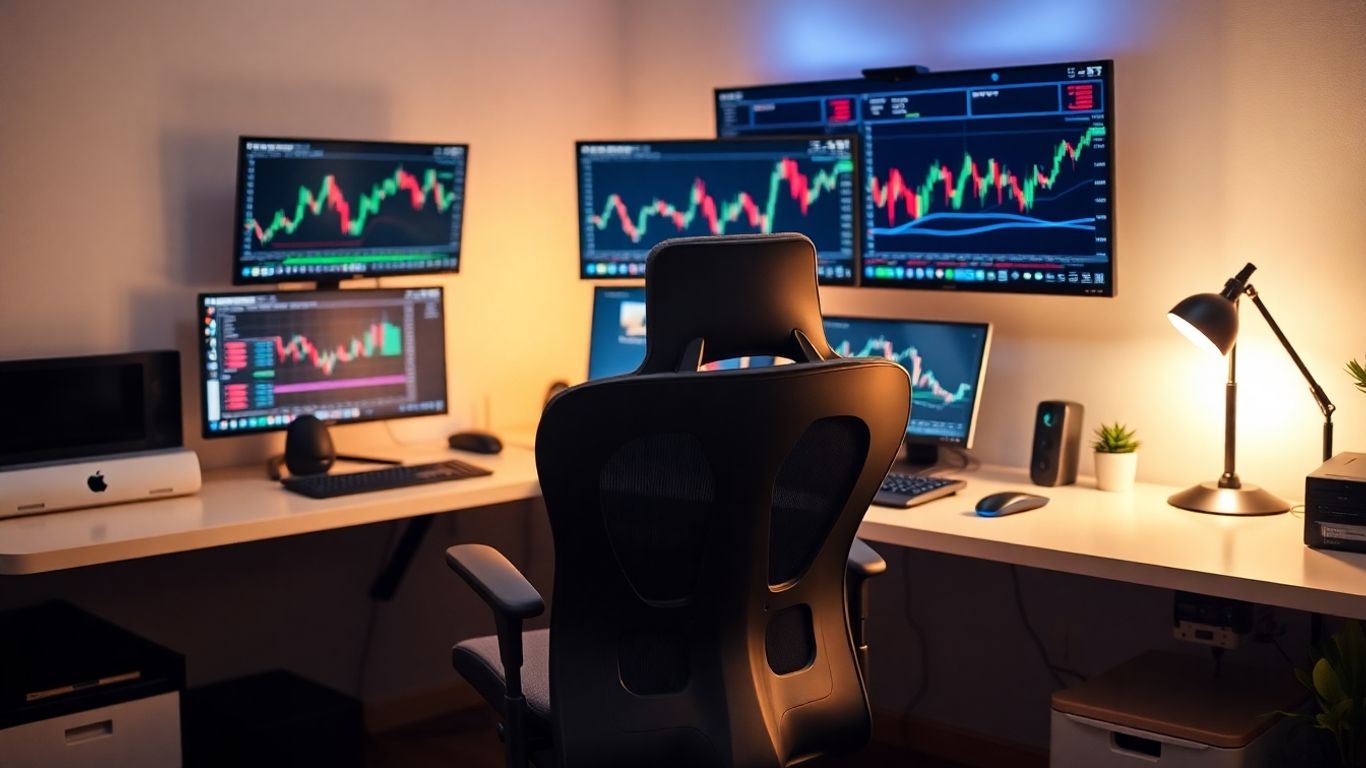
Your trading setup is your lifeline to the markets, and like any critical system, it needs protection. We're not just talking about keeping your gear looking nice; we're talking about preventing costly downtime and data loss. Think of it as insurance for your trading career.
Power Protection with UPS and Surge Protectors
Power issues are a trader's nightmare. A sudden surge can fry your expensive equipment, and an outage can mean missing a critical trade or losing your connection entirely. That's where a good Uninterruptible Power Supply (UPS) and quality surge protectors come in. A UPS acts like a temporary battery for your gear, giving you enough time to shut down properly when the power goes out. Surge protectors, on the other hand, absorb those nasty voltage spikes that can damage your electronics. You want a UPS with a decent VA rating, something like 1500VA is a good starting point, and surge protectors that can handle a good jolt of energy.
Here’s a quick rundown on what to look for:
- UPS: Aim for at least 1500VA to power your monitors, computer, and other essentials for a short period.
- Battery Backup: Ensure it can provide 30-45 minutes of power to allow for a safe shutdown.
- Surge Protectors: Look for units with a high Joule rating (2000+ is solid) and plenty of outlets (8+).
- Automatic Voltage Regulation (AVR): Some UPS units include this, which helps stabilize incoming power.
Don't skimp on power protection. The cost of a good UPS and surge protectors is minimal compared to replacing a damaged computer or losing a significant trade due to an unexpected power event. It's a foundational piece of your setup's resilience.
Regular Maintenance for Reliability
Your trading gear isn't a 'set it and forget it' kind of thing. Regular check-ups are key to keeping everything running smoothly and preventing those unexpected failures. It’s like taking your car in for an oil change; you do it to avoid bigger problems down the road. This means keeping your software updated, cleaning your equipment, and checking your connections.
Here’s a simple maintenance schedule to consider:
- Weekly: Dust off your monitors and keyboard. A quick wipe-down can prevent buildup and keep things looking sharp.
- Monthly: Inspect your cables. Make sure they're not frayed or kinked, and that all connections are secure. This is also a good time to check for any software updates for your trading platforms and operating system.
- Quarterly: Test your UPS battery. Most UPS units have a self-test function. This ensures it's ready when you need it.
- Annually: Consider a more thorough cleaning of your computer's internals if you're comfortable doing so, or have a professional do it. Back up your important data to an external drive or cloud service.
Backup Internet for Uninterrupted Trading
Imagine this: you're in the middle of a fast-moving market, and your internet connection drops. Disaster, right? Relying on a single internet connection is risky business for any serious trader. Having a backup, like a mobile hotspot from your phone or a dedicated 4G/5G modem, is a smart move. This way, if your primary connection falters, you can quickly switch over and keep trading without missing a beat. Many traders find a reliable mobile hotspot provides enough bandwidth for trading on the go when needed.
- Mobile Hotspot: Your smartphone can often serve as a decent backup in a pinch.
- Dedicated 4G/5G Modem: For more consistent backup, a dedicated device offers better performance.
- Test Your Backup: Make sure you know how to switch over quickly and that your backup connection is actually reliable before you desperately need it.
Wrapping It Up
So, building your ideal trading spot at home is really about making things work for you. It’s not just about fancy screens or the fastest computer, though those help. Think about what makes you comfortable and focused. A good chair, decent lighting, and an internet connection that doesn't quit are big deals. Don't feel like you need to buy everything at once. Start with the basics that matter most for your trading style, and then add things as you go. The main idea is to create a space where you can concentrate, make clear decisions, and just do your best work without fighting your surroundings. Your setup should support you, not get in your way.
Frequently Asked Questions
How many computer screens do I really need for trading?
For trading, having at least three screens is a good starting point. This lets you see your trading platform, charts, and important news all at once without constantly switching. Some traders even use four to six screens for a more complete view of the market.
What are the basic computer specs for trading?
You'll want a computer that's pretty speedy. Aim for a processor like an Intel i7 or AMD Ryzen 7, at least 16GB of RAM (32GB is even better), and a fast storage drive (SSD). This helps your trading programs run smoothly without slowing down.
What's the best temperature for my trading room?
Keeping your room between 68-72°F (20-22°C) is usually best. This temperature helps you stay comfortable and focused during long trading periods, and it also keeps your computer equipment from overheating.
What kind of desk should I get for trading?
A desk that you can adjust in height is a great choice. It lets you switch between sitting and standing, which is better for your body. Make sure it's big enough for your monitors and has enough space to work comfortably.
How can I make sure my internet connection is reliable?
Use a fast internet plan, like fiber or high-speed cable. It's also smart to have a backup, such as a mobile hotspot from your phone (4G or 5G), in case your main internet goes out.
What if I can't afford a fancy setup right away?
You can definitely start simple! A laptop with an extra monitor, a comfortable chair, and a good internet connection are enough to begin. You can always add more equipment and make improvements as you learn more about trading and what you need.